
Projects rarely go off track in one loud moment. Trouble usually starts as a quiet note in someone’s head, a missed promise, or a blocker buried in chat.
That’s why a RAID log matters in project management. Here, RAID means Risks, Assumptions, Issues, and Dependencies, not a storage setup. A good log gives the project manager and team one plain place to spot trouble early and act on it.
The trick isn’t building a bigger tracker. It’s building one people can read, update, and trust every week for project success.
Key Takeaways
- A RAID log (Risks, Assumptions, Issues, Dependencies) creates one shared source of truth to spot project trouble early, pulling scattered notes into a single, readable place.
- Keep it lean with essential columns like ID, Category, Description, Owner, Impact, Due date, Status, and Mitigation; trim extras and make every field earn its spot.
- Write actionable entries with one clear sentence covering the problem, effect, owner (a specific person), and next step with a date.
- Review live in weekly status meetings: check new items, overdue actions, and stale lines; assign owners to individuals, not teams, for sharp follow-up.
- Simplicity drives short reviews, clear ownership, and regular updates, turning the log into a tool teams trust for project success.
Start with one shared source of truth
A simple RAID log works because it pulls scattered facts into a single source of truth. Without it, risks sit in status notes, issues live in Slack, and dependencies vanish into memory. The project then feels like driving through fog with one headlight.
Keep the format light. For small to midsize teams, a shared spreadsheet is often enough. If your team already works in a project tool, use that instead throughout the project life cycle. The tool matters less than the habit.
Also, agree on what belongs in the log. A risk is something that might happen. An issue is happening now. An assumption is something you believe to be true but haven’t proved. A dependency is work, a person, or a decision outside your control that your timeline needs. Some teams swap the last letter for Decisions, as monday.com’s overview explains; this Decisions option tracks key decisions made along the way. But the simple version here uses Dependencies.
That shared language matters, especially for stakeholders who benefit from the transparency. When people know the difference between a risk and an issue, the meeting gets faster. More important, the action gets sharper.
Set up the essential columns, then stop
Many RAID logs fail for one reason: they try to capture everything. A useful log should feel like a sharp pocketknife, not a stuffed toolbox. Start with a few fields, and make each one earn its place.
For most teams, these columns are enough. If you want a head start, this RAID log template is a decent starting point, but trim extra fields before you roll it out.
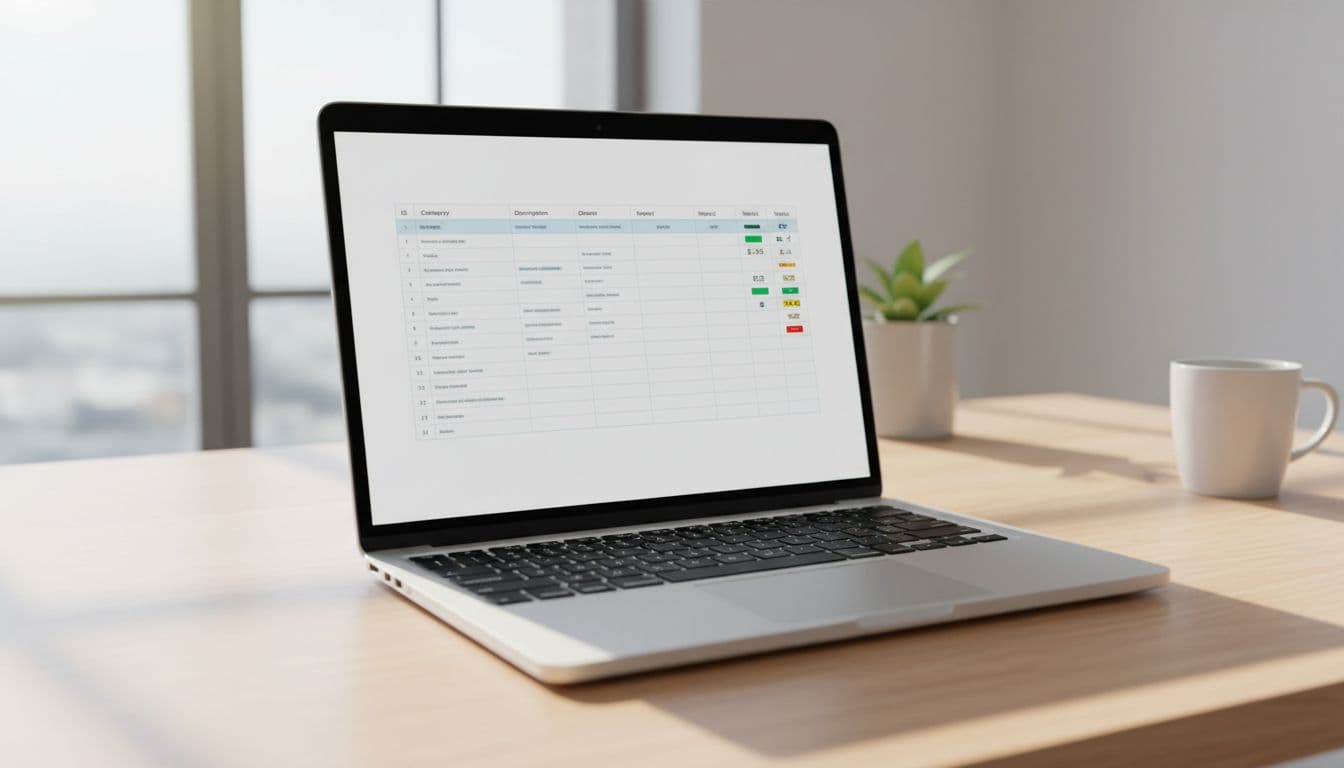
Keep the structure lean:
| Column | Why it matters |
|---|---|
| ID | Quick reference in meetings |
| Category | Risk, Assumption, Issue, or Dependency |
| Description | One clear sentence on the item |
| Owner | One person, not a team |
| Impact | Low, medium, or high |
| Probability and Impact | For risk assessment, evaluate probability for risks and impact for prioritization (consider a risk matrix as a related tool) |
| Due date | Next review or action date |
| Status | Open, on track, at risk, closed |
| Mitigation/Action | The next step as an action item |
| Last updated | Shows if the line is stale |
That last column matters more than people think. If an item hasn’t changed in six weeks, it’s either dead, ignored, or written too vaguely to move. In each case, fix it or delete it. The project manager holds oversight to ensure stale items get addressed.
If nobody owns the line item, it’s a note, not a RAID item.
Make descriptions short but complete. Write the problem, the effect, and the next move. “Vendor delay” is weak. “Payment vendor may miss the test window, which could push user testing by one week; owner to confirm revised date by May 8” is something a team can use.
What actionable RAID log entries look like
Bad entries read like sticky notes. Good ones read like a small handoff between adults. Each line should tell the team what changed, who owns it (a designated project team member), and what happens next. These actionable entries typically start being defined during the planning phase.
Risk
A strong risk might say: “API security review may slip because the vendor hasn’t confirmed staff; this could delay user testing by five days. Owner: Maria, project team member. Risk mitigation via mitigation strategy due Friday.” It works because the cause, effect, owner, and next step are clear.
Assumption
An assumption should be testable. Try: “Legal will approve the updated terms by June 3. Owner: Ben, project team member. If approval slips, launch comms move by one week.” This turns a hidden belief into something the team can check, not wish for.
Issue
Issues live in the present tense. For example: “Current defect blocks invoice export for pilot users. Owner: Priya, project team member. Issue resolution via patch planned for release 1.4 on Thursday.” The team sees the pain now, plus the fix and date.
Dependency
Dependencies should name the outside handoff. For example: “Training team must deliver support scripts before the July 12 rehearsal. Owner: Sam, project team member to confirm handoff by July 5.” That line shows what your plan is waiting on, and when to chase it.
Notice the pattern. Each entry has one project team member as owner, one clear action, and one date. That’s the difference between a log that drives work and a log that gathers dust.
Keep your RAID log alive in weekly status meetings
Treat your RAID log as a living document that earns its keep in the meeting room. As a simplified risk register for many teams, it supports risk management within project planning. Open it during weekly status, not after. Update it live, while people can confirm dates, accept ownership, or call out stale items.

Keep the review tight. Ten to fifteen minutes is enough for most teams if the log is sorted by due date, then by impact. Closed items should move out fast. High-impact items should stay near the top. This live review sharpens decision making.
A simple routine helps:
- Review new items first, because fresh risks age fast.
- Check overdue actions next, and name who will move them.
- Close or rewrite vague items before the meeting ends.
If your team lives in a work platform, Asana’s RAID log template shows how the same fields can sit inside a project tool. It complements Gantt charts in project planning. Still, the rule stays the same: fewer fields, live updates, and clear ownership.
Because the log holds current dates and owners, your weekly status note gets easier too. You can pull top risks and open issues straight from the sheet instead of rewriting them from memory. It doubles as key project documentation.
Projects don’t fail because one problem appears. They fail because small problems stay hidden too long. A simple RAID log brings those signals into daylight before they turn into schedule slips and hard conversations. At project close, it supports lessons learned reviews.
Keep it short. Review it weekly. Give every line one owner and one next step. When the log is easy to use, teams use it.
Frequently Asked Questions
What does RAID stand for in project management?
RAID stands for Risks, Assumptions, Issues, and Dependencies. Risks might happen, assumptions are unproven beliefs, issues are happening now, and dependencies are external items your timeline needs. Some teams swap Dependencies for Decisions to track key choices made.
What’s the difference between a Risk and an Issue?
A risk is something that might happen in the future, like a vendor delay that could push testing. An issue is occurring now, such as a defect blocking users. Risks get probability and mitigation; issues focus on immediate fixes with dates.
What are the essential columns for a simple RAID log?
Core columns include ID, Category, Description, Owner, Impact, Probability (for risks), Due date, Status, Mitigation/Action, and Last updated. Descriptions should be one clear sentence with problem, effect, and next step. The project manager ensures stale items get fixed or deleted.
How often should you review the RAID log?
Review it live during weekly status meetings for 10-15 minutes. Sort by due date and impact, check new items first, overdue actions next, and close or rewrite vague ones. This keeps it a living document that sharpens decisions.
Can I use project management tools instead of a spreadsheet?
Yes, tools like Asana or monday.com work well if your team already uses them—just stick to the same lean columns and habits. The tool matters less than the weekly review and clear ownership. A shared spreadsheet suits small to midsize teams starting out.
Leave a Reply