
A project can survive a shaky estimate longer than a messy update stream. When stakeholders don’t know what they’ll hear, when they’ll hear it, or who owns the message, they fill the silence with guesses.
That is why a project communication plan can’t be a dusty appendix. It has to feel useful on a Tuesday afternoon, when a sponsor wants answers and a team lead needs a decision.
The plans people follow are plain, specific, and easy to trust. Start there.
Start with stakeholder needs, not project updates
Many communication plans fail for one simple reason. They describe what the project team wants to send, not what each stakeholder needs to receive.
A sponsor wants risk, decisions, and business impact. A delivery lead wants blockers, handoffs, and dates. An affected department head wants change timing, training, and who to call when something breaks. One message won’t fit all three.
Before you write a single line, map each stakeholder by role, influence, concern, preferred channel, and decision rights. Also note what they can approve, block, or influence. That tells you when communication must shift from FYI to action. The Project Management Institute frames communication around information needs and stakeholder expectations. These PMI-style examples show how that structure can look in practice.
If a stakeholder can’t tell what they will get, when it will arrive, and what action they need to take, the plan is still too vague.
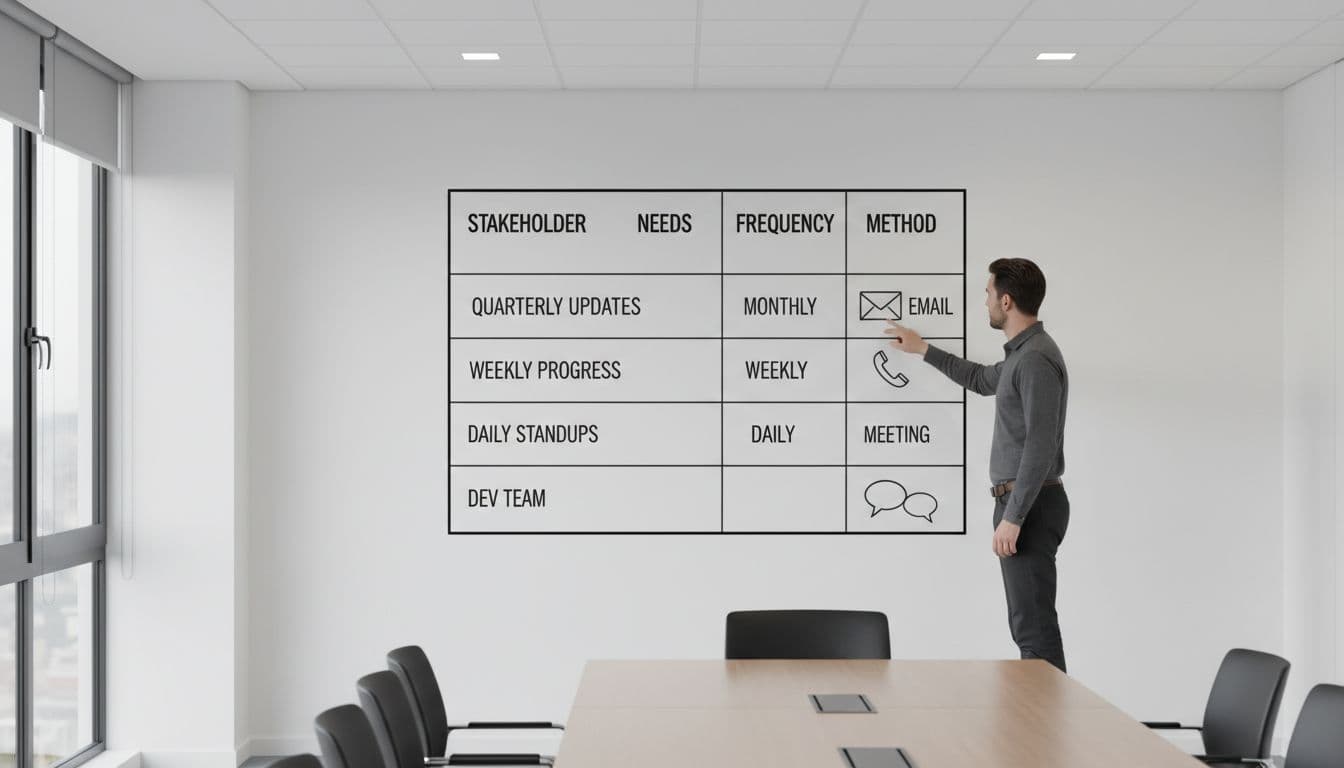
Use short interviews or kickoff questions to gather the details. Ask what level of detail they read, how fast they need updates, and what format gets a response. Email may work for sponsors, while a shared board or short standup suits the core team better.
Keep the plan rooted in behavior. If a stakeholder never reads long reports, don’t promise one. If legal only needs updates at review gates, don’t add them to weekly status mail. You are setting a beat the project can keep. A strong start makes the rest of the project communication plan easier to maintain.
Build a reusable project communication plan template
Your template should fit on one page for most projects. If it takes ten minutes to read, nobody will use it during a busy week.
The core fields are simple: audience, purpose, channel, cadence, owner, and trigger. Add a notes column only if it helps people act faster. Long narrative text often hides the most important part, which is who sends what and when.

A simple table keeps the plan usable.
| Audience | What they need | Channel | Cadence | Owner | Trigger |
|---|---|---|---|---|---|
| Executive sponsor | Overall status, major risks, decisions needed | One-page email and monthly review | Weekly email, monthly meeting | PM | Every Friday, and within 24 hours of a red risk |
| Core project team | Tasks, blockers, dependencies | Standup and shared board | Twice weekly standup, daily board updates | PM and workstream leads | Before each standup |
| Business leads | Milestones, testing dates, change impacts | Status note and milestone meeting | Biweekly | PM | At phase changes and milestone shifts |
| Vendor partner | Deliverables, issues, approvals | Working session and action log | Weekly | Vendor manager | Open issue, scope change, or missed date |
The takeaway is simple. Every row names an audience, a message, a rhythm, and an owner.
That owner matters more than many teams admit. A project communication plan without named owners is only a wish list. If the PM owns sponsor emails, say so. If a workstream lead owns technical updates, put their name beside the touchpoint. When ownership is clear, silence becomes visible.
A sponsor note can be short and still do the job: “Status is amber. Testing starts Monday. Budget is on track. Decision needed on vendor scope by Thursday.” That format respects executive time and makes action hard to miss.
If you want a starting layout, this project communication plan example and template is useful. Then trim the extra fields. A good template is easy to copy, not heavy with admin.
Set messaging cadences people can trust
Cadence should match risk, decision speed, and stakeholder attention. When every audience gets the same update on the same day, the plan feels tidy but often misses the mark.
A weekly sponsor note can work well. Yet a vendor issue log may need same-day updates, and change-ready business teams may only need a steady biweekly rhythm. The goal is predictability, because people follow patterns they can count on.
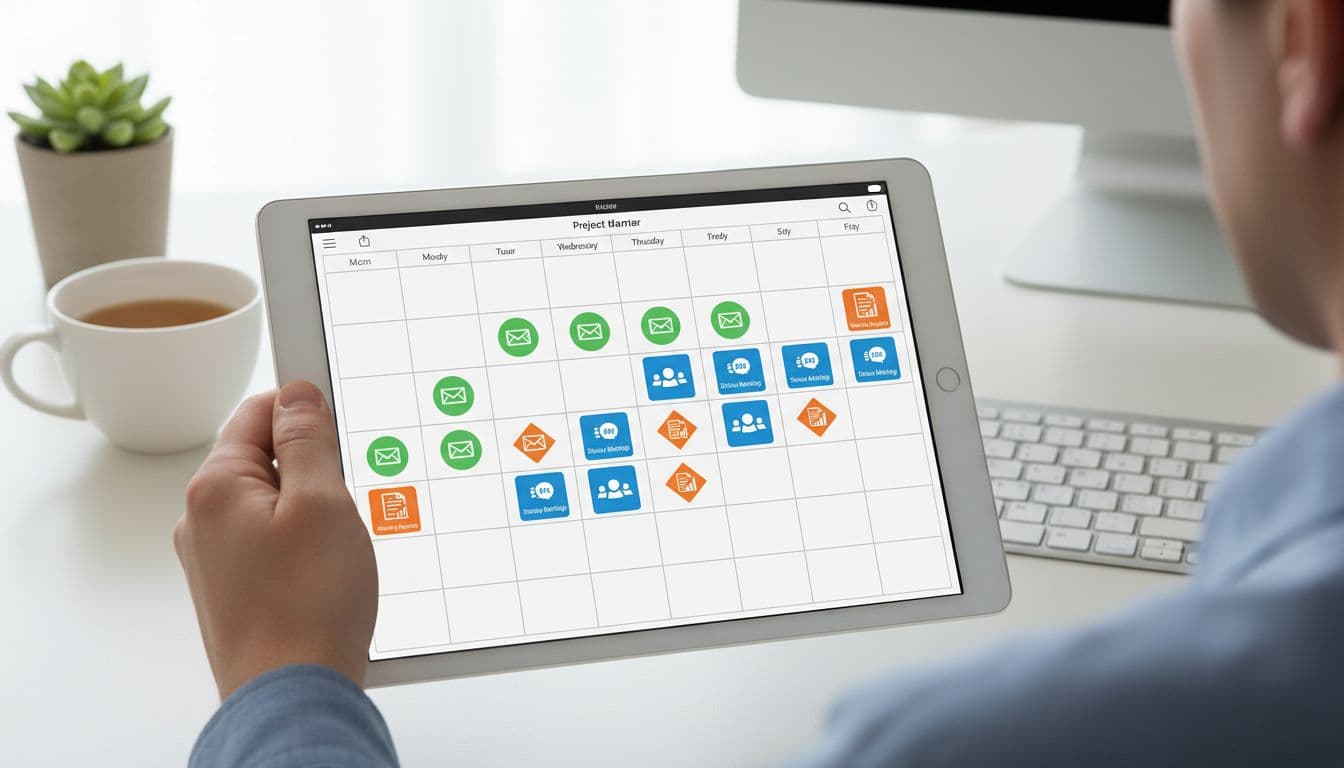
This sample cadence is a good starting point.
| Audience | Cadence | Best format | Message focus |
|---|---|---|---|
| Sponsor | Weekly, plus exception alerts | Short email | Status, risk, decisions needed |
| Steering group | Monthly | Slide-based review | Trend, budget, major choices |
| Core team | Two or three times a week | Standup and board | Progress, blockers, next steps |
| End users or business reps | Biweekly, then weekly near launch | Brief note or demo | Readiness, training, impact |
| Vendors | Weekly, with issue-based follow-up | Working session | Deliverables, dependencies, approvals |
Once the cadence is set, lock it into calendars and team routines. Put dates on invites. Keep the format stable. Send the same sponsor update on the same day each week, even if the message is short. When there is no major change, say that plainly. A two-line update sent on time beats a polished report sent late.
Review the plan when the project shifts. Three moments matter most:
- A new stakeholder gains influence.
- The project enters a new phase.
- Updates stop getting read, answered, or acted on.
When adoption slips, adjust the plan, not only the reminder email. Shorten reports. Swap channels. Move decision items to the top. If you want another reference point, this stakeholder communication plan example shows how communication details can tie back to stakeholder groups.
A good project communication plan feels less like paperwork and more like a working agreement. People follow it because it matches their needs, names an owner, and shows up on time.
That is why clarity beats volume. When stakeholders know what to expect, they spend less time chasing updates and more time making decisions. Trust grows in that rhythm, and projects move with less friction.
Leave a Reply